
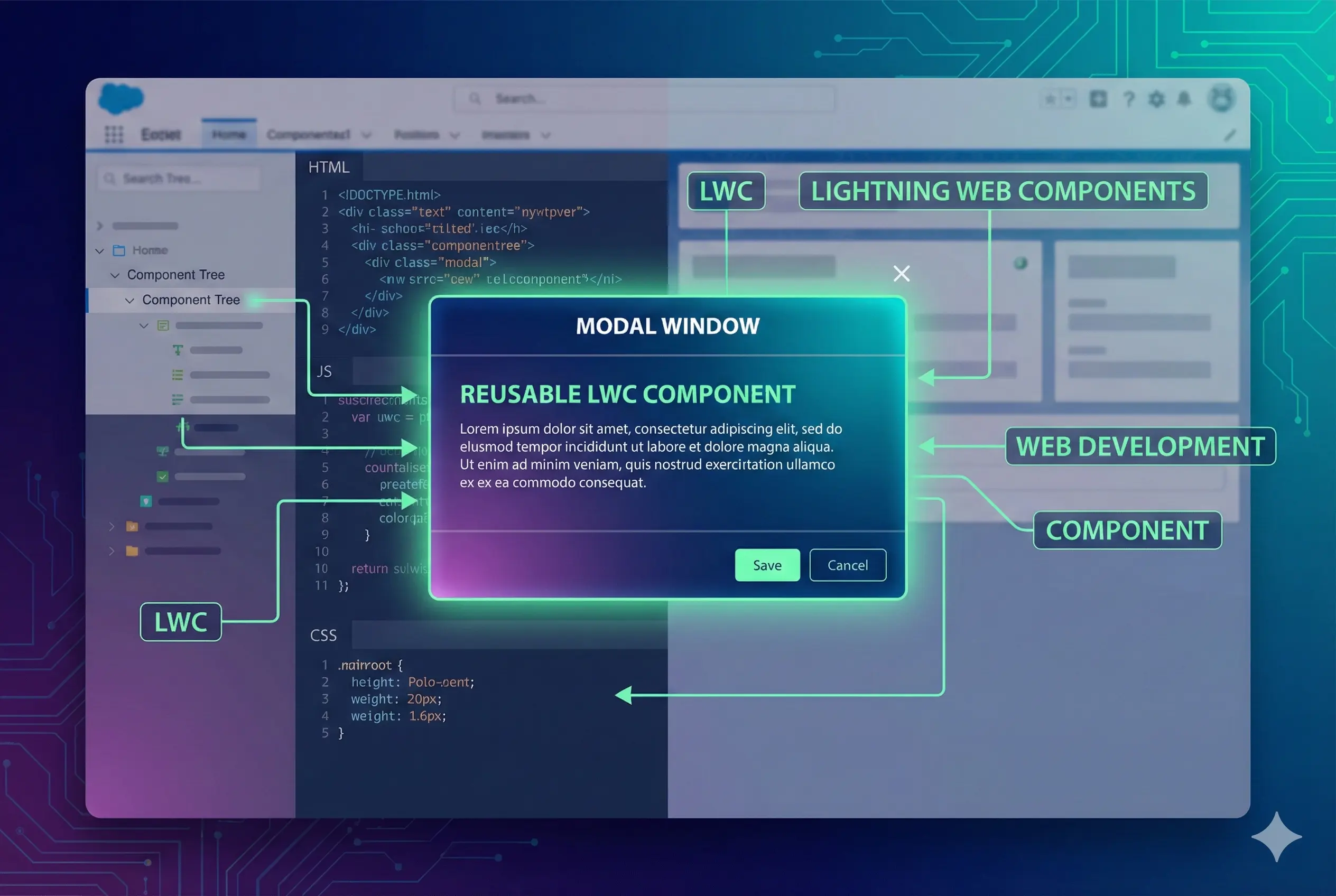
How to display a modal window using lightning web components
We will go through building a reusable lightning web component that you can use to show modal windows in other LWC components.

Use cases
- Display modal window or popup window in user interface
<template>
    <h1>Parent component</h1>

    <lightning-button variant="brand" label="Open Modal" title="Open Modal" onclick={showModalPopup} class="slds-m-left_x-small"></lightning-button>


    <c-util-modal
        show-modal={showModal}
        show-positive={showPositiveButton}
        positive-button-label={positiveButtonLabel}
        show-negative={showNegativeButton}
        onpositive={closeModal}
        onclose={closeModal}>
        <div slot="header">
            <h2 slot="header" id="modal-heading-01" class="slds-text-heading_medium slds-hyphenate">Header from parent component</h2>
        </div>
        <div slot="body">
            Static or dynamic body content from parent. Can include other child lwc components also.
        </div>
    </c-util-modal>
</template>
import { LightningElement, track } from 'lwc';

export default class ModalParentExample extends LightningElement {
  //Variables to control modal window
  @track showModal = false;
  @track showNegativeButton;
  @track showPositiveButton = true;
  @track positiveButtonLabel = 'Close';

  closeModal() {
    this.showModal = false;
  }

  showModalPopup() {
    this.showModal = true;
  }
}
<template>
    <template if:true={showModal}>
        <div>
            <section role="dialog" tabindex="-1" aria-labelledby="modal-heading-01" aria-modal="true"
                aria-describedby="modal-content-id-1" class="slds-modal slds-fade-in-open">
                <div class="slds-modal__container" style="align-items: center;">
                    <header class="slds-modal__header" style="min-width: 1100px;">
                        <button class="slds-button slds-button_icon slds-modal__close slds-button_icon-inverse"
                            title="Close" onclick={handleClose}>
                            <lightning-icon icon-name="utility:close" alternative-text="close" variant="warning"></lightning-icon>
                            <span class="slds-assistive-text">Close</span>
                        </button>
                        <slot name="header">
                            <h2 id="modal-heading-01" class="slds-text-heading_medium slds-hyphenate">Header</h2>
                        </slot>
                    </header>
                    <div class="slds-modal__content slds-p-around_medium" id="modal-content-id-1" style="min-width: 1100px;">
                        <slot name="body">
                            <p>Body goes here..</p>
                        </slot>
                    </div>
                    <footer class="slds-modal__footer" style="min-width: 1100px;">
                        <template if:true={showNegative}>
                            <button class="slds-button slds-button_neutral" onclick={handleNegative}>{negativeButtonLabel}</button>
                        </template>
                        <template if:true={showPositive}>
                            <button class="slds-button slds-button_brand" onclick={handlePositive}>{positiveButtonLabel}</button>
                        </template>
                    </footer>
                </div>
            </section>
            <div class="slds-backdrop slds-backdrop_open"></div>
        </div>
    </template>
</template>
import { LightningElement, api } from 'lwc';

export default class UtilModal extends LightningElement {
  @api showPositive;
  @api showNegative;
  @api positiveButtonLabel = 'Save';
  @api negativeButtonLabel = 'Cancel';
  @api showModal;

  constructor() {
    super();
    this.showNegative = true;
    this.showPositive = true;
    this.showModal = false;
  }

  handlePositive() {
    this.dispatchEvent(new CustomEvent('positive'));
  }

  handleNegative() {
    this.dispatchEvent(new CustomEvent('negative'));
  }

  handleClose() {
    this.dispatchEvent(new CustomEvent('close'));
  }
}
Explanation
We can use lightning design system sample modal code in the link to show the modal window. But to implement opening and closing behavior of the modal, we need to use javascript variables in lwc. We will create a reusable lwc component with name “utilModal”. This will have code needed to show and hide modal window. Then we will create a sample parent component with name “modalParentExample” that we can use embed modal component. We fire custom events from utilModal component and parent “modalParentExample” catches these events. Parent component can use these action handlers to execute actions when buttons in modal window are clicked.
How to use
- Create an LWC component with name utilModal.
- Copy content from above code to utilModal component. utilModal.html is the HTML file and utilModal.js is the Javascript file.
- “modalParentExample” has sample code to open modal window