
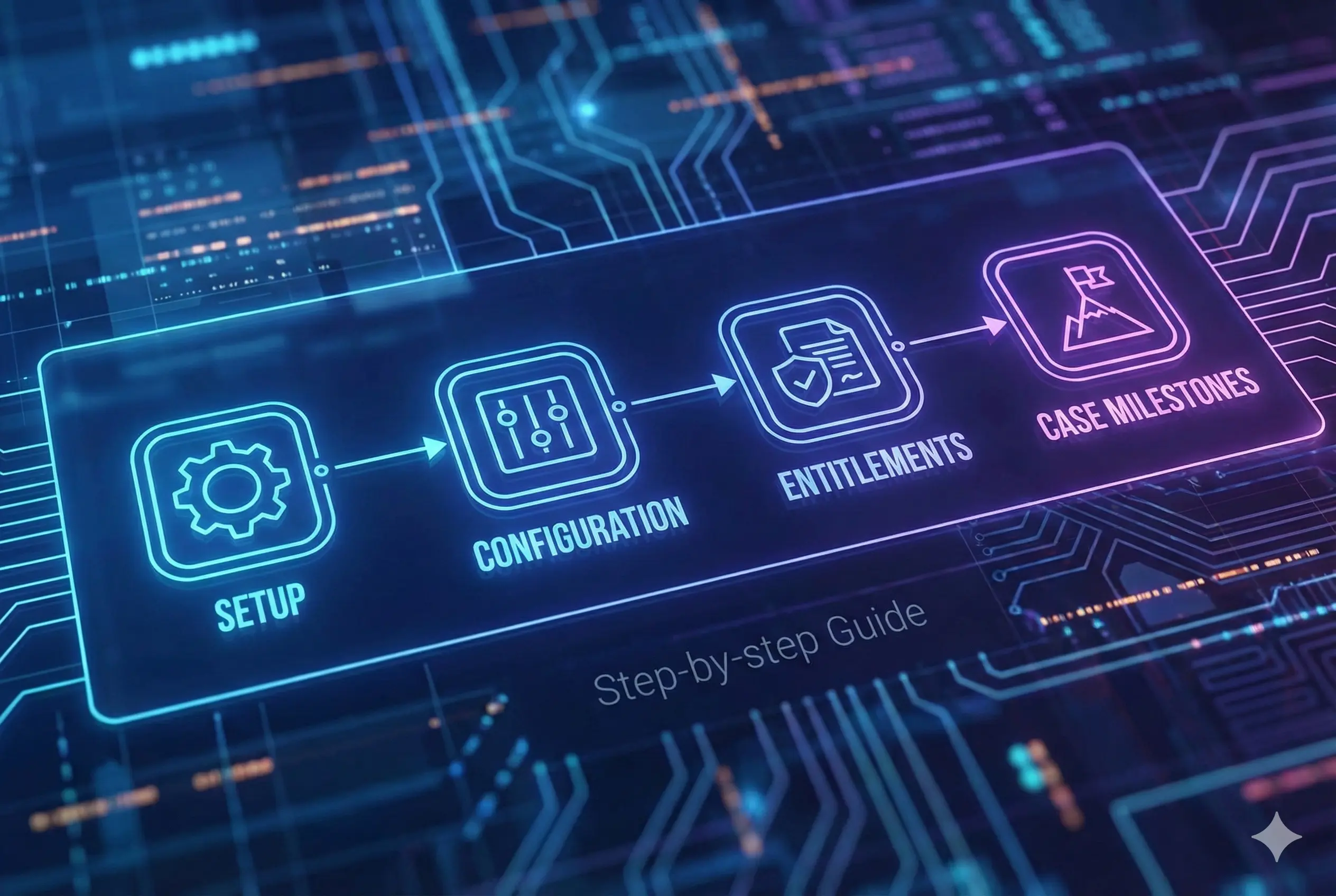
Configuration - Step by step guide to setup entitlements and case milestones
Entitlement processes and milestones are used to help an organization to adhere to service level agreements/SLAs while supporting customers. Basically you can define different support levels like Gold support level people are eligible to get issues resolved within x hours adhering to these milestones. You can follow below steps to complete configuration of entitlement process and milestones.
- Make sure your user have “Service Cloud User” checkbox checked under user

- Go to Setup -> Entitlement Settings, Check “Enable entitlement management” checkbox.

- Go to Setup -> Milestones, create a milestone

- Go to Setup -> Entitlement Process, create an active entitlement process on Case object

-
Under the entitlement process add the milestone created in step 3, by click “new milestone” button in entitlement process view page
-
Now go to Entitlement tab(Not under setup. It is under regular tabs). Create an entitlement record for any account record. Here we are basically saying “Acme Testing” account is eligible for “Standard Entitlement” from x date to y date.

- Now create a case for the Account and select this entitlement record in case.
- A Milestone also will be created automatically with the case. If you do not have “Milestone” standard component in app builder page, click settings icon -> Edit Page to edit the page and add milestone component to layout

Once the component is added to the app builder page and page is activated, you can see time remaining in the milestone in case details page
