
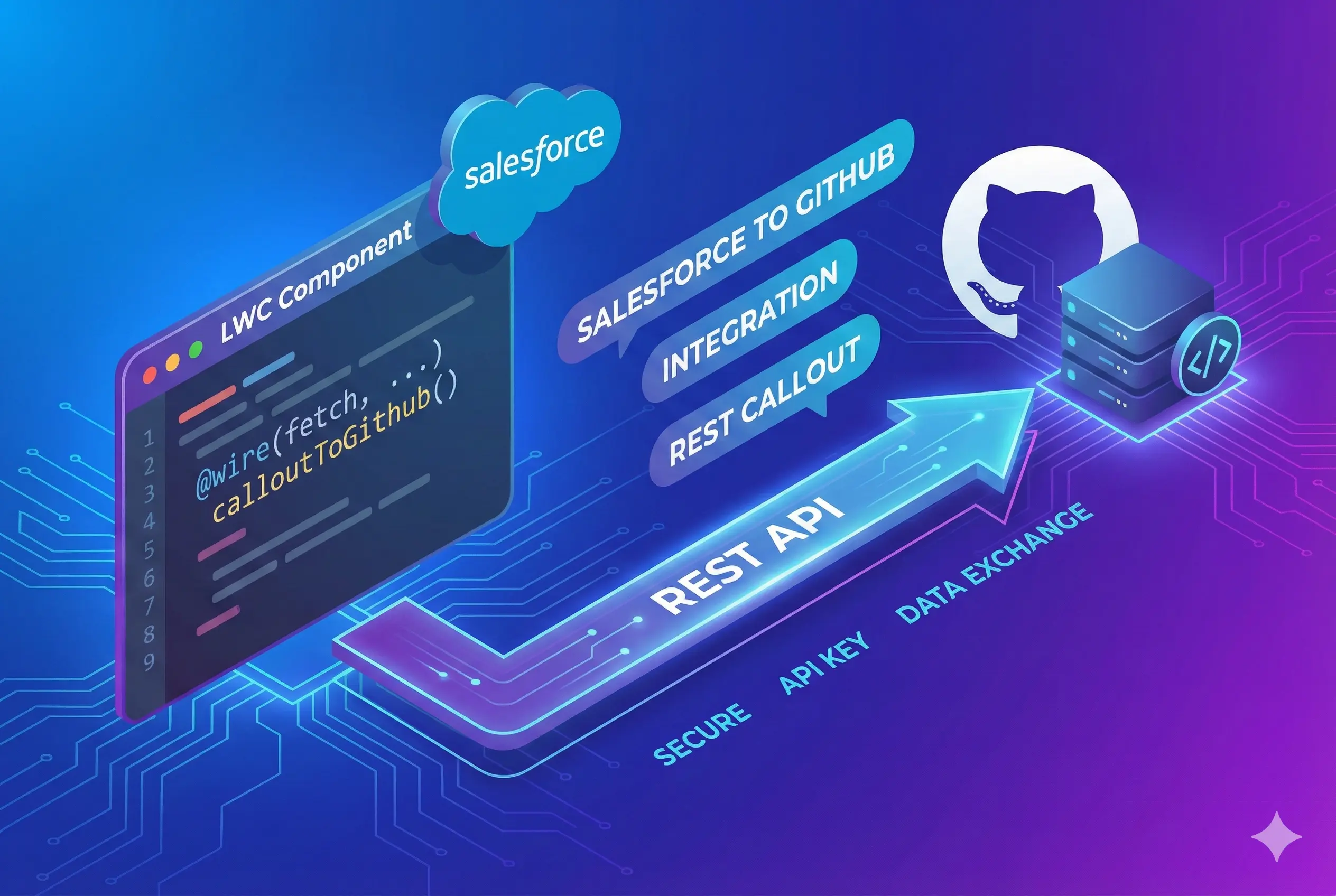
How to make a REST callout/integration from Salesforce to Github REST API
Usually to integrate with an external system that supports REST API, you need to make REST callouts from Salesforce. This blog demonstrates how to make a REST callout from Salesforce to Github.
Demo
Code Sample
//Integration with Github API
public class GithubApi {
    public static String getGithubUserDetails(String githubUserHandle) {
        Http http = new Http();

        //Create a HttpRequest instance
        HttpRequest request = new HttpRequest();
        request.setEndpoint('https://api.github.com/users/'+githubUserHandle);
        request.setMethod('GET');

        // Make the API call and get response
        HttpResponse response = http.send(request);
        String responseString = response.getBody();

        //Usually you get response from REST APIs in String format
        //You can process these resonse
        return responseString;
    }
}
Steps
- Add remote site settings.
- Create GithubApi class with a method to make API call.
- Copy code from code snippets and save class.
- Execute the class in developer console using System.debug(GithubApi.getGithubUserDetails(‘SalesforceCodes’));