
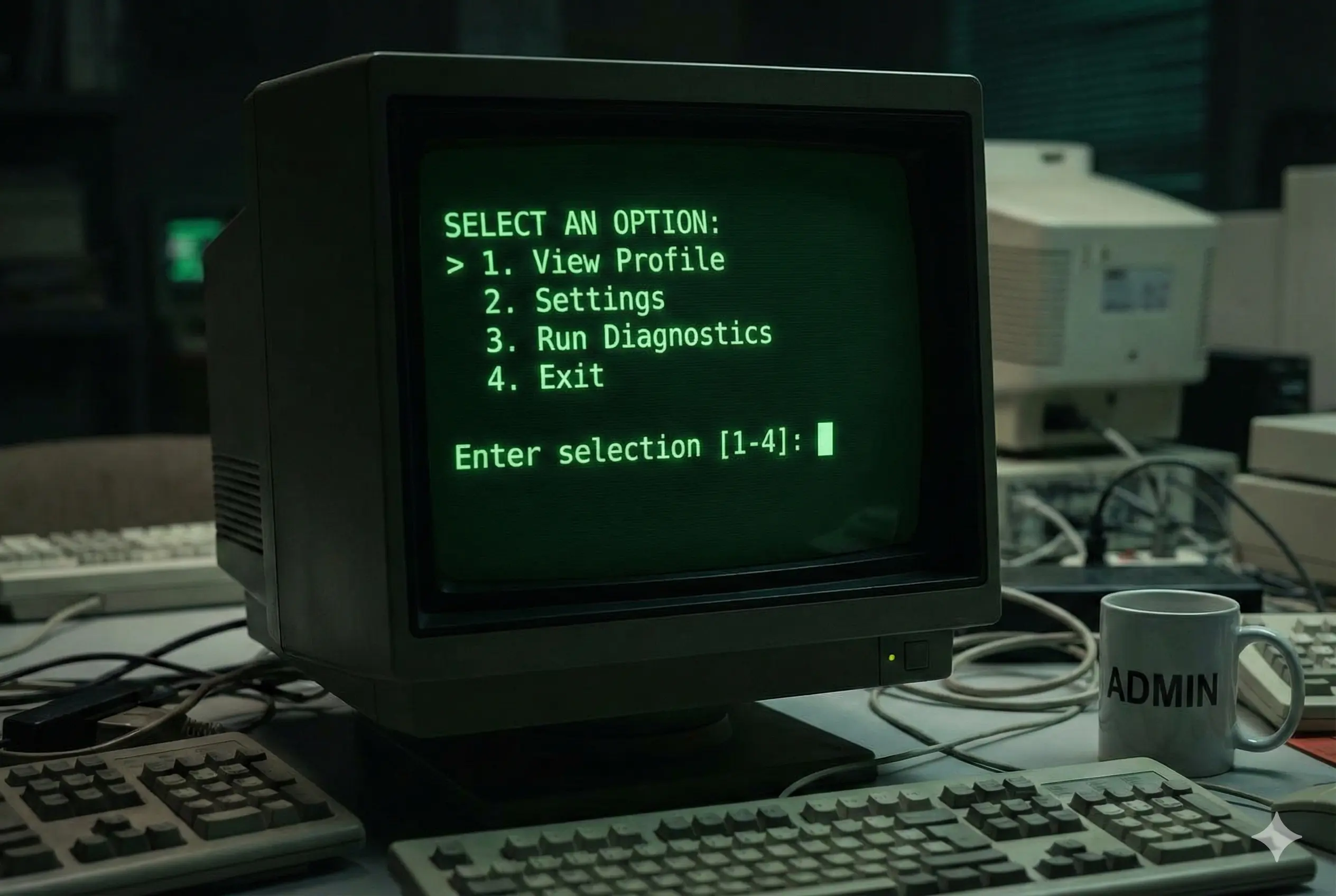
How to show a commandline/terminal menu
You might have seen a lot of command line tools offering a small menu with a number of options to choose from. Also you might have written some bash scripts that you want to make available in your terminal as a menu. Here you can find a good example to get started.

Sample
#!/bin/bash
show_menu(){
    NORMAL=`echo "\033[m"`
    MENU=`echo "\033[36m"` #Blue
    NUMBER=`echo "\033[33m"` #yellow
    FGRED=`echo "\033[41m"`
    RED_TEXT=`echo "\033[31m"`
    ENTER_LINE=`echo "\033[33m"`
    echo -e "${MENU}*********************************************${NORMAL}"
    echo -e "${MENU}**${NUMBER} 1)${MENU} Create a file ${NORMAL}"
    echo -e "${MENU}**${NUMBER} 2)${MENU} Search for a file ${NORMAL}"
    echo -e "${MENU}**${NUMBER} 3)${MENU} Delete file ${NORMAL}"
    echo -e "${MENU}**${NUMBER} 4)${MENU} List all files ${NORMAL}"
    echo -e "${MENU}*********************************************${NORMAL}"
    echo -e "${ENTER_LINE}Please enter a menu option and enter or ${RED_TEXT}enter to exit. ${NORMAL}"
    read opt
}
function option_picked() {
    COLOR='\033[01;31m' # bold red
    RESET='\033[00;00m' # normal white
    MESSAGE=${@:-"${RESET}Error: No message passed"}
    echo -e "${COLOR}${MESSAGE}${RESET}"
}

clear
show_menu
while [ opt != '' ]
    do
    if [[ $opt = "" ]]; then
            exit;
    else
        case $opt in
        1) clear;
            option_picked "Option 1 Picked";
            echo "Command 1 for option 1";
            echo "Command 2 for option 1...";
            show_menu;
            ;;

        2) clear;
            option_picked "Option 2 Picked";
            echo "Command 1 for option 2";
            echo "Command 2 for option 2...";
            show_menu;
            ;;

        3) clear;
            option_picked "Option 3 Picked";
            echo "Command 1 for option 3";
            echo "Command 2 for option 3....";
            show_menu;
            ;;

        4) clear;
            option_picked "Option 4 Picked";
            echo "Command 1 for option 4";
            echo "Command 2 for option 4....";
            show_menu;
            ;;

        x)exit;
        ;;

        \n)exit;
        ;;

        *)clear;
        option_picked "Pick an option from the menu";
        show_menu;
        ;;
    esac
fi
done
This menu sample code is organized into three main chunks. “show_menu” function takes care of styling and displaying options. option_picked function is used to show the option selected in a different color. Finally there is a while loop that is used to show the options continuously til you exit by hitting just enter.
Use cases
For an example, in Salesforce context you can use this script as a starter to get started with Salesforce DX commands. Salesforce DX commands are notoriously long and difficult to remember. You can setup a bash script with different options and user friendly labels. Then using the sample menu you can invoke necessary sfdx commands. As final step you can alias the path to the bash script in you “.bash_profile” file. This will let you call your utility script anytime from terminal without worrying about path.
alias heydx=“sh /Users/myname/Documents/Scripts/dxUtility.sh”