
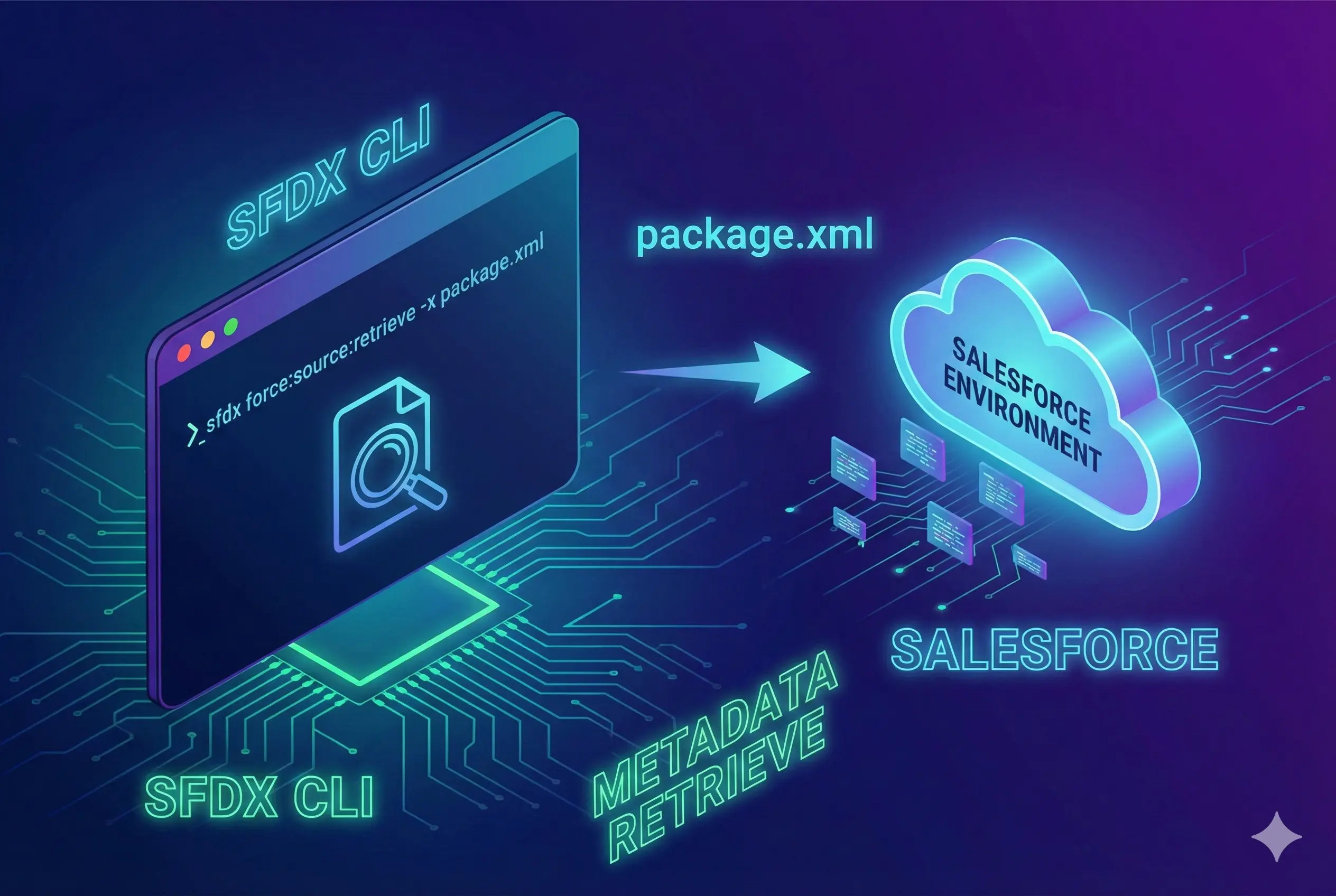
Retrieving metadata from Salesforce using package.xml and SFDX CLI
Salesforce ecosystem provides a number of tools to retrieve metadata from connected Salesforce environment. There is an option in Salesforce extension pack for vscode to pull metdata from your connected Salesforce environment. But sometimes you still need to pull metadata from unreleated environments for purposes like committing to a git repository or deploying.
Retrieving metadata using package.xml
Once you have package.xml, you are only couple of commands away from retrieving metadata with it. Please follow below steps,
-
Make sure you have SFDX CLI tool installed. If not download and install it from SFDX CLI Downlaod
-
Make sure your CLI is connected to the environment from where you need to retrieve metadata. If not use below command to authenticate your Salesforce environment.
sfdx force:auth:web:login -r “https://yourSalesforceEnvironmentUrlHere.com” -a aliasNameHere
- Copy package.xml to your command line location and create a folder with name “metadata” to store the metadata and run below command
sfdx force:mdapi:retrieve -r metadata -k ./package.xml -w 5 -u aliasNameHere
You will be able to see a progress status and SFDX should retrieve code and put in your metadata folder as a zip file.