
Connect to Salesforce
1️⃣ Connect to Salesforce
-
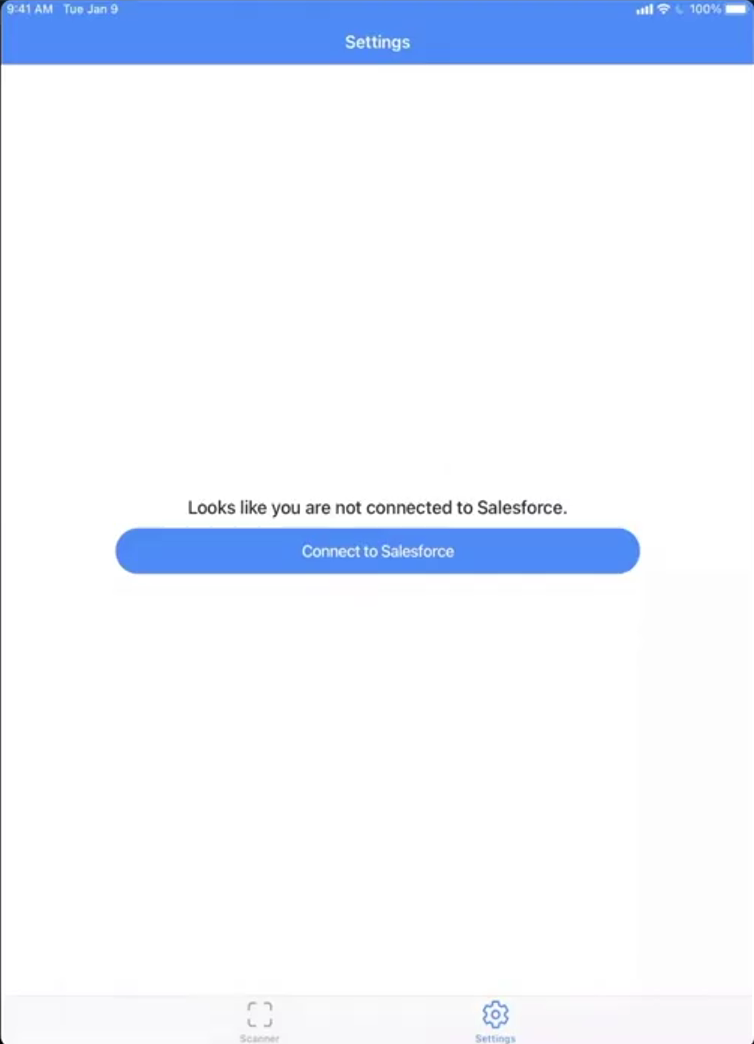
To log in to the application, tap on Connect to Salesforce.
-
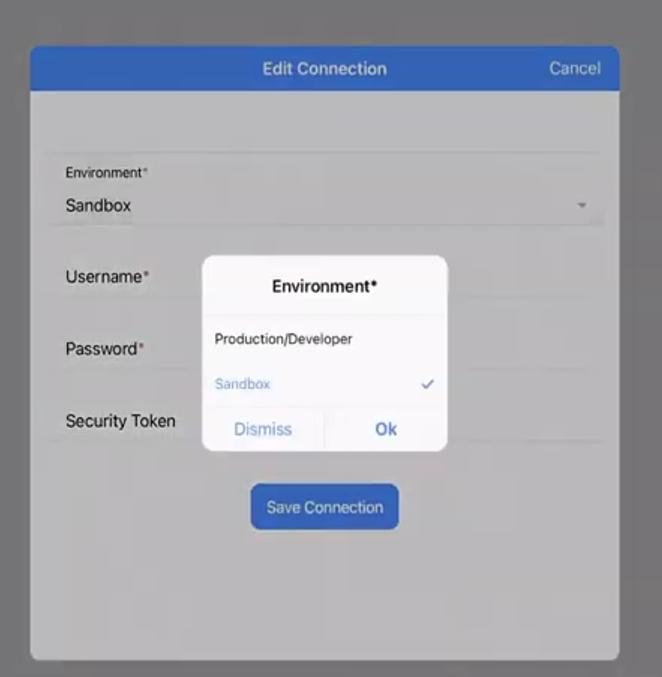
An Edit Connection form will appear where you need to enter your Salesforce credentials.
-
Select the environment: Production or Sandbox.
-
If your IP address is not registered in Salesforce, you will also be required to enter a Security Token.
-
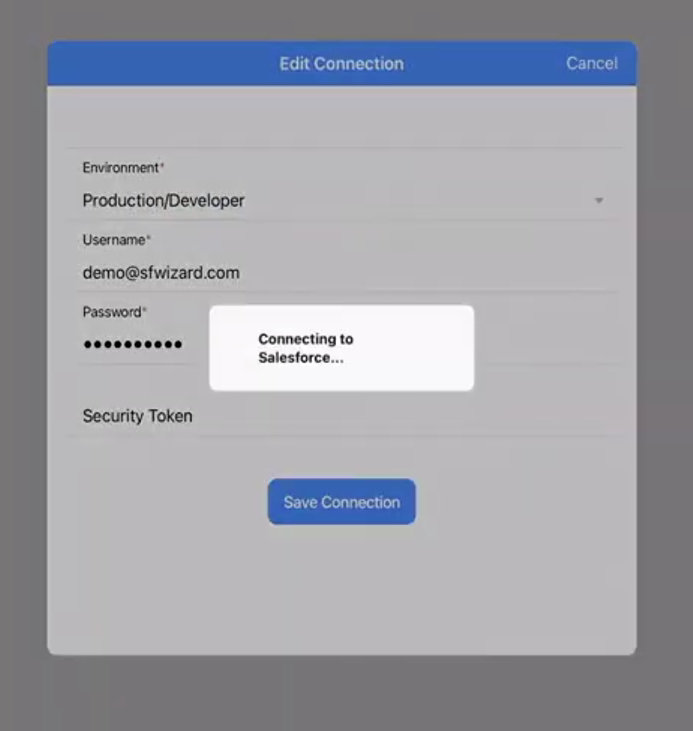
Enter the following details:
- Username – Your Salesforce username
- Password – Your Salesforce password
- Security Token – (if required) Your Salesforce security token
-
Once all details are entered, click on Save Connection to complete the setup.
-
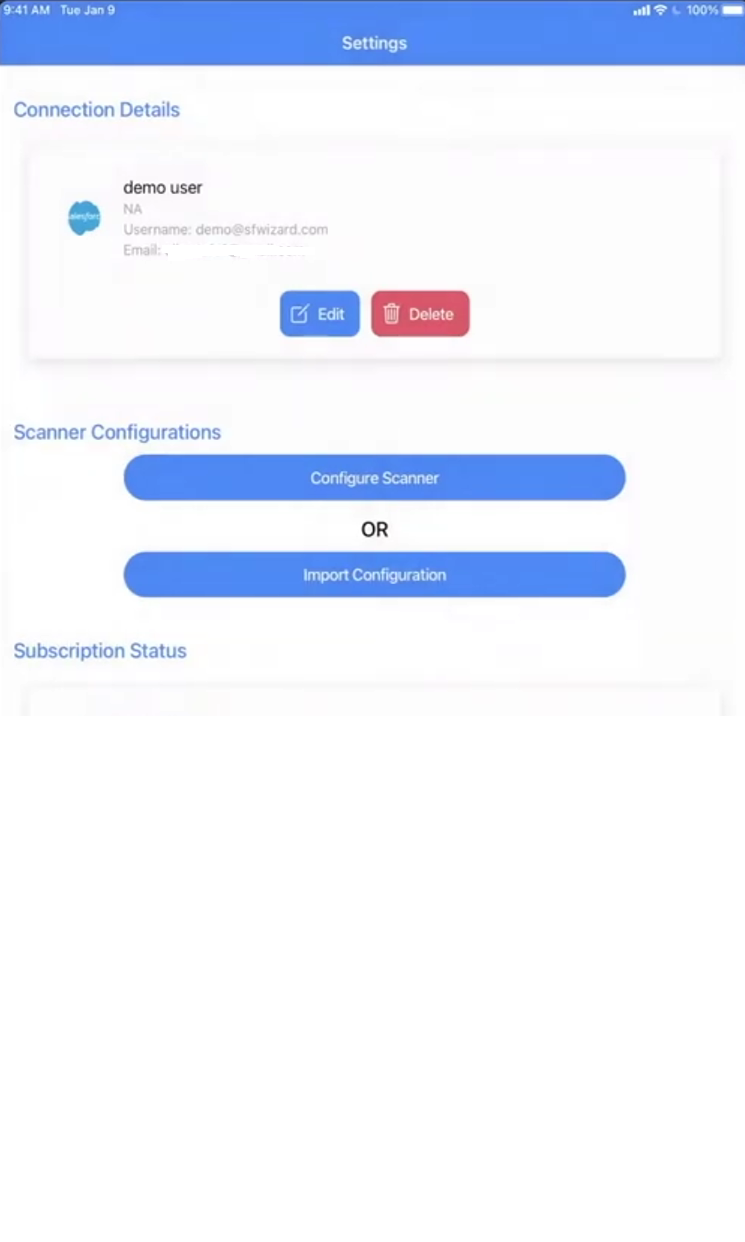
After successful authentication, you will be logged in to the application and can start using its features.